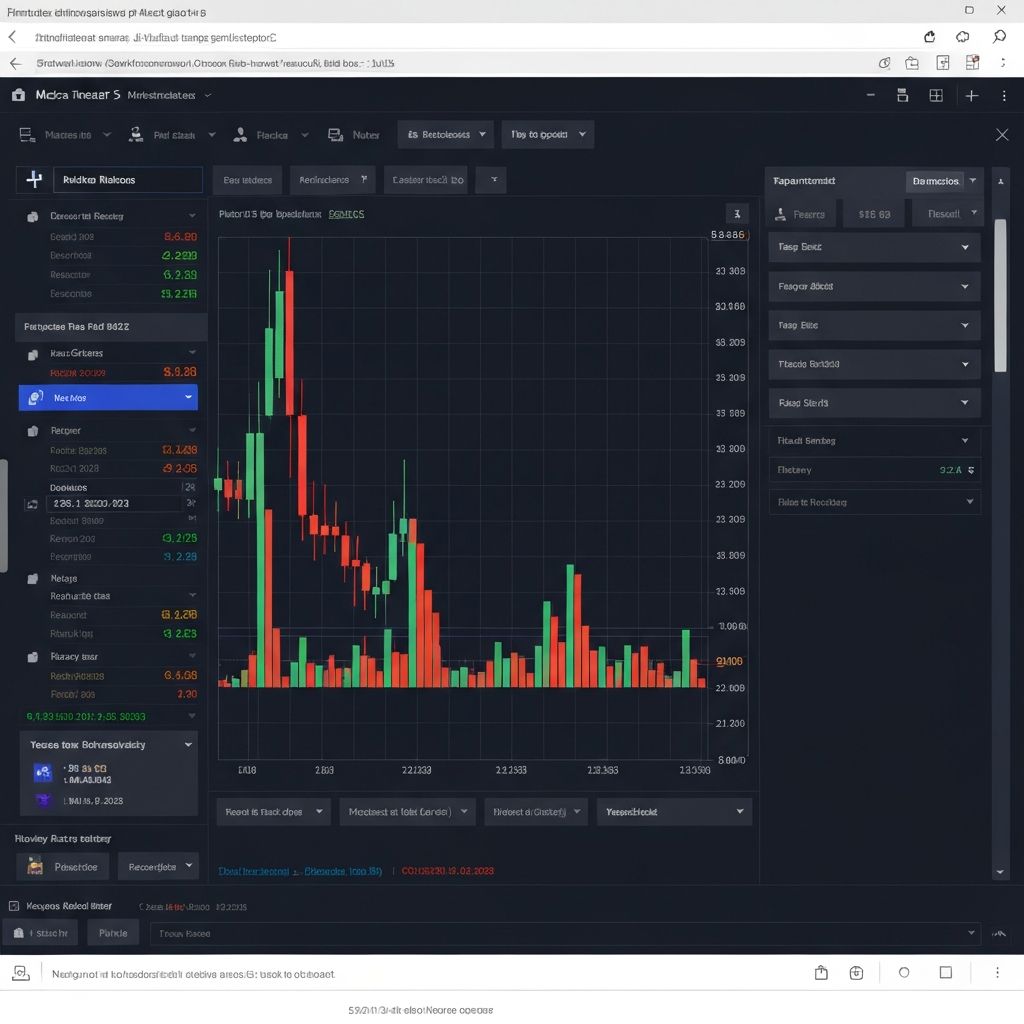
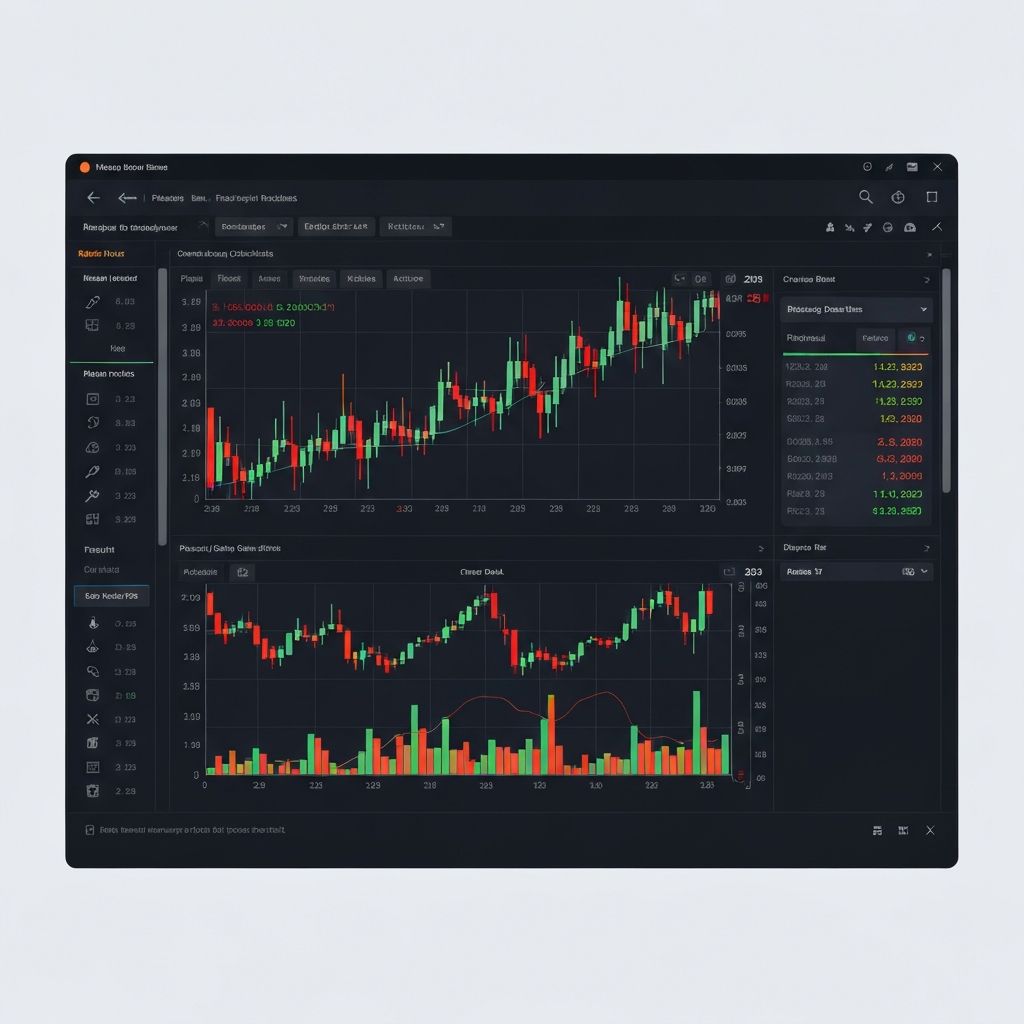
What is MetaTrader 5?
MetaTrader 5 (MT5) is the industry-leading trading platform used by millions of traders
worldwide. Developed by MetaQuotes, MT5 offers advanced charting, automated trading
capabilities, and a comprehensive suite of analysis tools.
Key Features of MT5
1. Advanced Charting
21 timeframes: From 1 minute to monthly charts
38 technical indicators: Built-in, with thousands more available
44 graphical objects: Trend lines, channels, Fibonacci tools, and more
Unlimited charts: Analyze as many instruments as you need
2. Order Types
MT5 supports various order types for flexible trading:
Market Orders: Execute immediately at current price
Pending Orders:
- Buy Limit / Sell Limit
- Buy Stop / Sell Stop
- Buy Stop Limit / Sell Stop Limit
Stop-Loss and Take-Profit: Automatic risk management
3. One-Click Trading
Execute trades with a single click
Modify positions directly from charts
Rapid order placement for scalpers
The Market Watch Window
Your command center for monitoring instruments:
Real-time bid/ask prices
Spread information
High/Low of the day
Tick charts and depth of market
Pro Tip: Right-click and select "Symbols" to add or remove trading
instruments.
Setting Up Charts
Customizing Your Workspace
Right-click on chart ? Properties
Choose color schemes
Set up chart type (candlesticks, bars, line)
Save as template for quick application
Adding Indicators
Insert ? Indicators
Choose from Trend, Oscillators, Volume, etc.
Customize parameters
Apply to chart
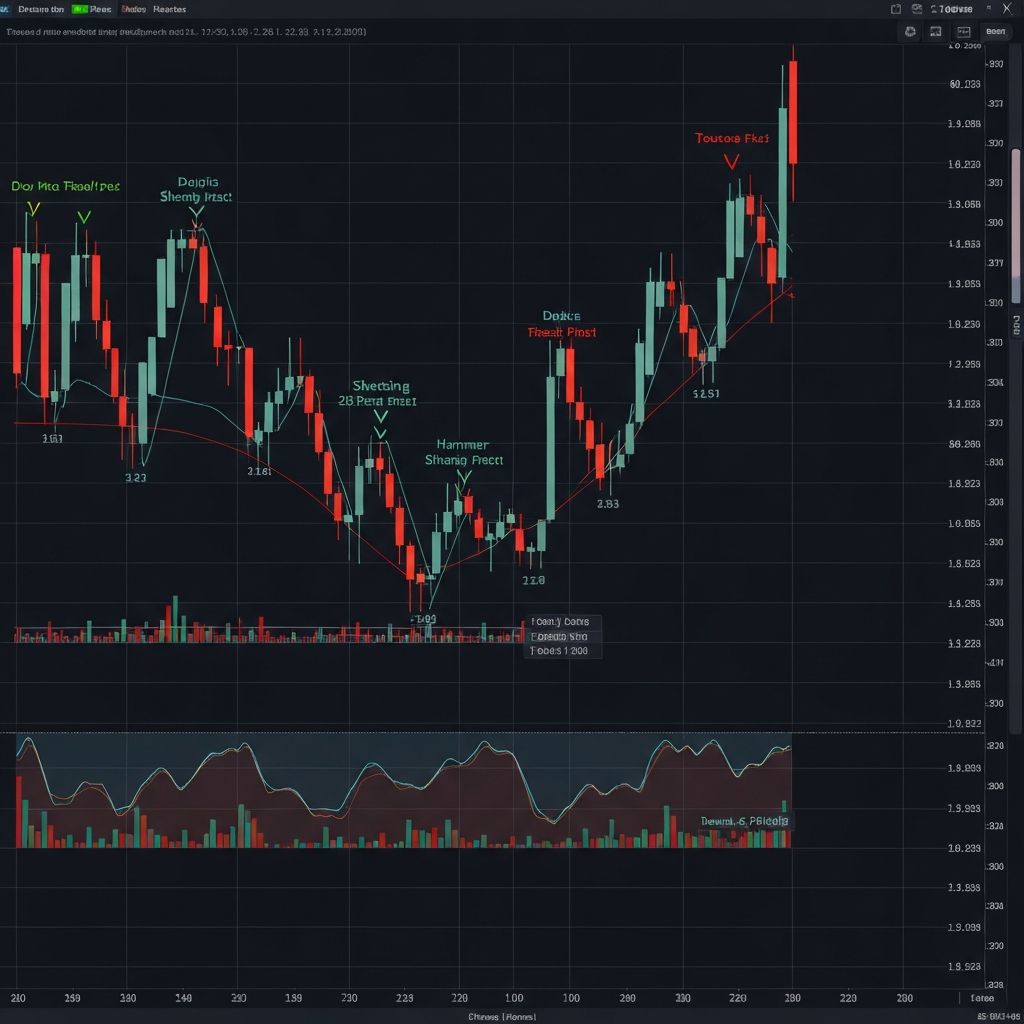
Drawing Tools
Trend lines and channels
Fibonacci retracement and extensions
Support and resistance levels
Text annotations
Automated Trading with Expert Advisors
What are Expert Advisors (EAs)?
EAs are automated trading programs that execute trades based on predefined rules. They
can:
Trade 24/7 without supervision
Remove emotional decision-making
Execute complex strategies precisely
Installing EAs
Download the EA file (.ex5)
File ? Open Data Folder ? MQL5 ? Experts
Paste the file
Refresh Navigator window
Drag EA onto chart
Strategy Tester
Test your EAs before live trading:
Historical backtesting
Visual mode for strategy review
Optimization for parameter tuning
Walk-forward testing
Mobile Trading with MT5
Features Available on Mobile:
Full trading functionality
Interactive charts with indicators
Push notifications for price alerts
Account history and reports
Available Platforms:
iOS (iPhone and iPad)
Android (phones and tablets)
Copy Trading on MT5
Following Signal Providers
Access the Signals tab
Browse verified traders
Review performance statistics
Subscribe to copy trades automatically
Becoming a Signal Provider
Register as a provider
Build a track record
Earn commissions from subscribers
MT5 Tips and Tricks
Keyboard Shortcuts
F9: New order
F1: Help
Ctrl+T: Open/close terminal
Ctrl+M: Open/close Market Watch
Ctrl+N: Open/close Navigator
Organizing Your Workspace
Create multiple profiles for different strategies
Use chart templates for consistency
Set up custom indicator shortcuts
Organize symbols into groups
Alerts and Notifications
Right-click on chart
Select "Create Alert"
Set price level and notification type
Choose email, push, or sound alerts
Getting Started with SR Global Markets on MT5
Download MT5 from our platforms page
Create an account or use demo credentials
Log in with your account number and password
Select SR Global Markets server
Start trading!
Conclusion
MetaTrader 5 is a powerful platform that can enhance your trading experience
significantly. Take time to explore its features, customize your workspace, and practice
on a demo account before trading live.
At SR Global Markets, we provide full MT5 support with competitive spreads, fast execution,
and 24/7 technical assistance. Download MT5 today and experience professional-grade
trading.